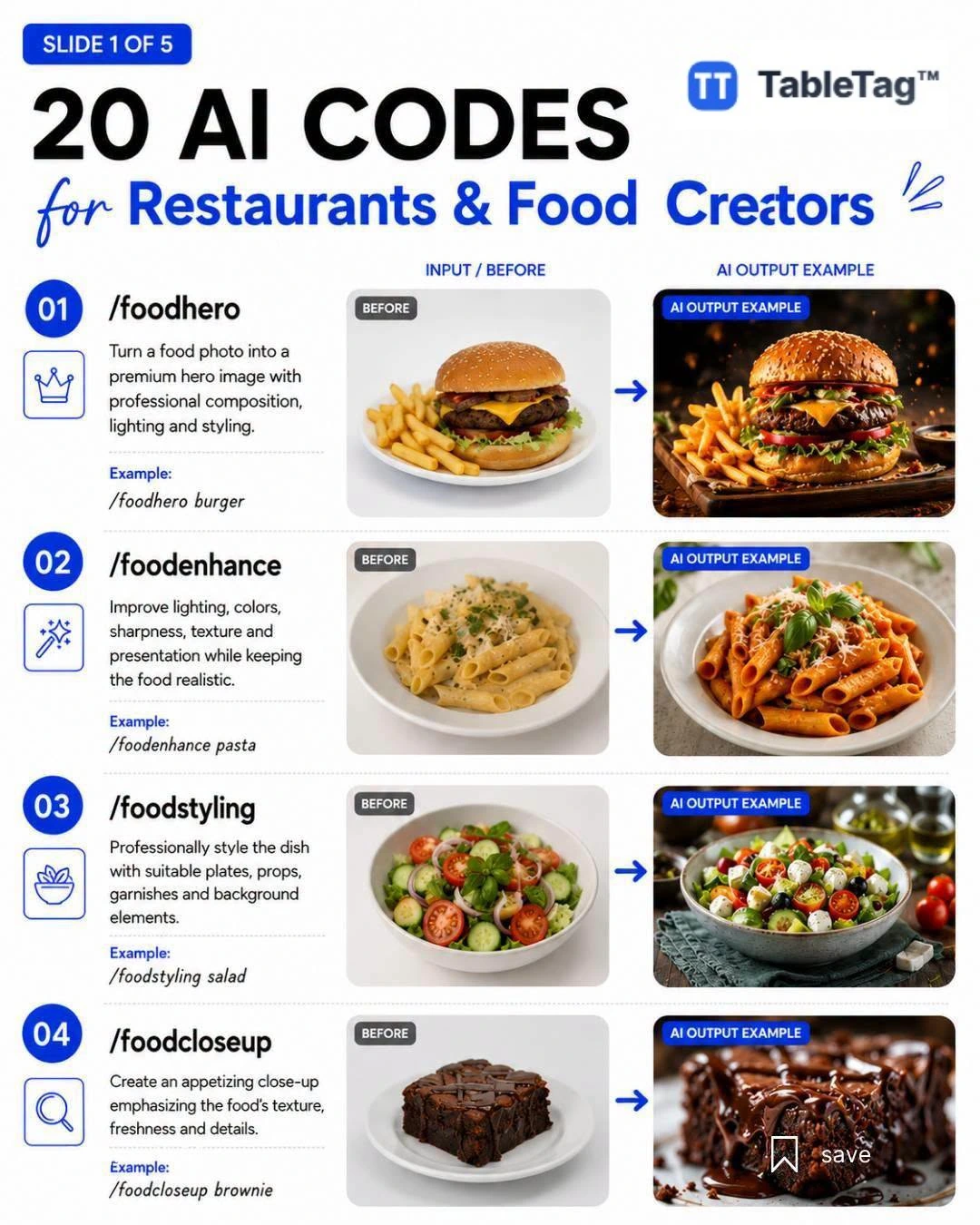
Artificial intelligence can help a food business explore visual ideas before arranging a professional photo shoot. The 20 creative concepts below are designed for menu covers, social posts, seasonal campaigns, and product inspiration. They work best when you start with an accurate photograph of the real dish and keep the final image faithful to what guests will receive.
How to use these food visual ideas
Choose a concept that matches your venue, then describe the actual dish, ingredients, serving plate, camera angle, lighting, background, and image format. For a digital menu, ask for a clean composition with enough space around the food so the image remains clear on a small phone screen. Always review generated details such as labels, cutlery, ingredient texture, and portions before publishing.
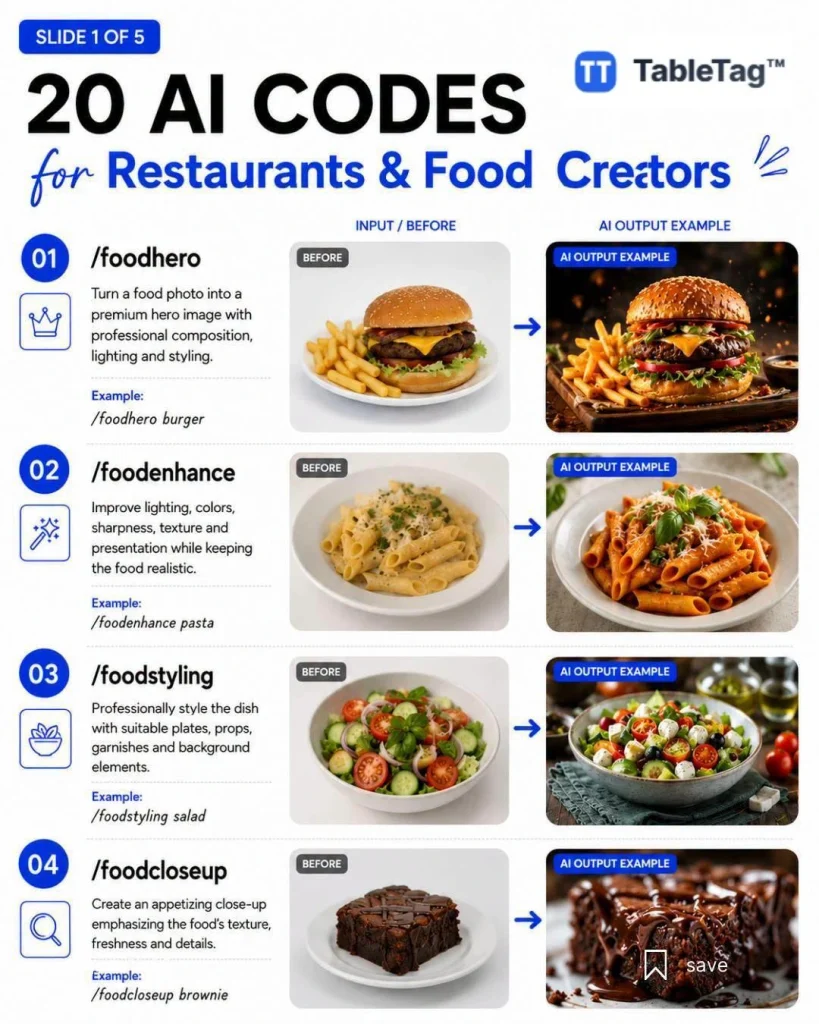
Prompt patterns 1–7: light, angle, and atmosphere
Use these concepts to test natural window light, an overhead editorial layout, a close macro view, a warm bakery counter, a bright café table, a refined hotel presentation, or an outdoor terrace scene. Replace generic words with the exact name and visible ingredients of your item. If the menu is multilingual, keep written text outside the generated image and add translated labels in TableTag instead.
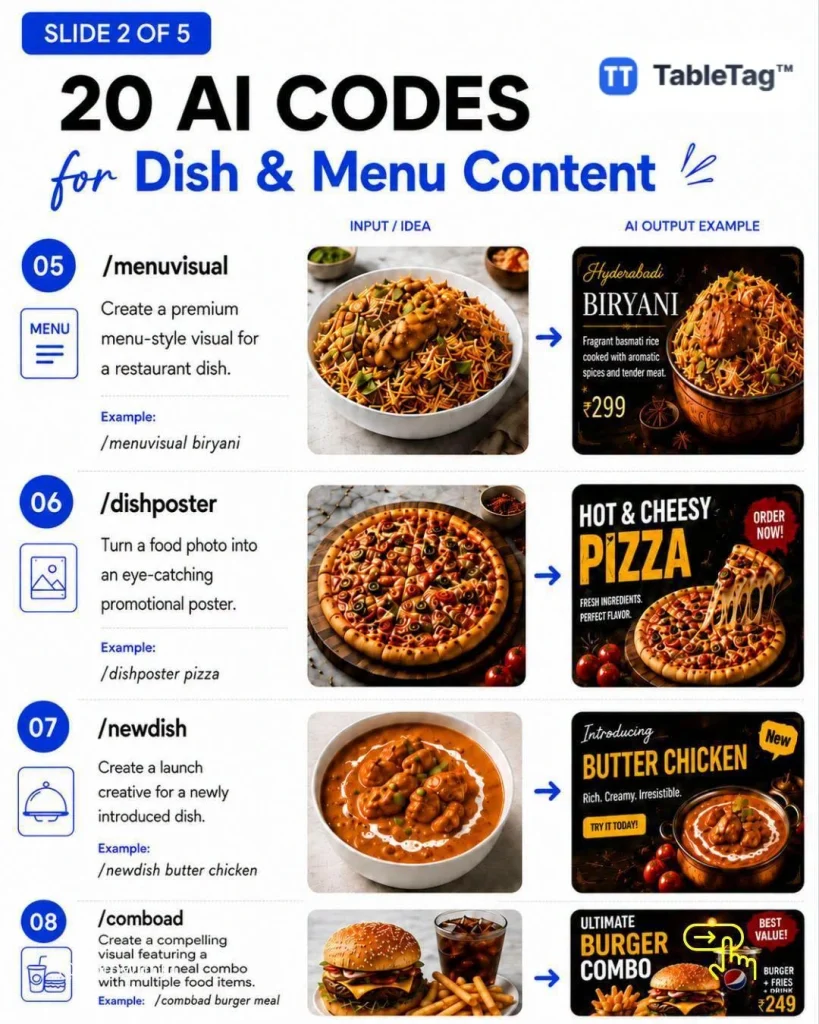
Prompt patterns 8–14: seasonal and campaign images
Seasonal visuals are useful for a limited-time offer, a new product launch, or a featured menu section. You can explore a festive table, a summer refreshment scene, a family sharing arrangement, premium gift packaging, or a minimal studio background. Keep colors consistent with your brand and avoid adding ingredients, portion sizes, or accessories that are not included with the real product.
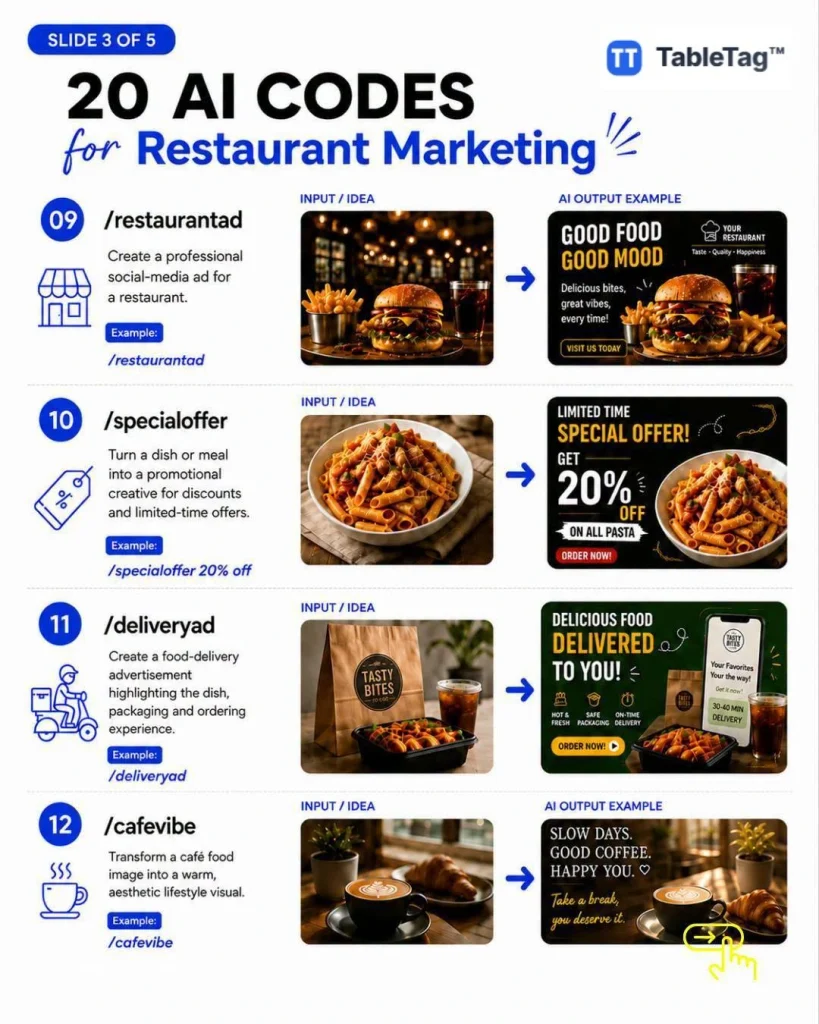
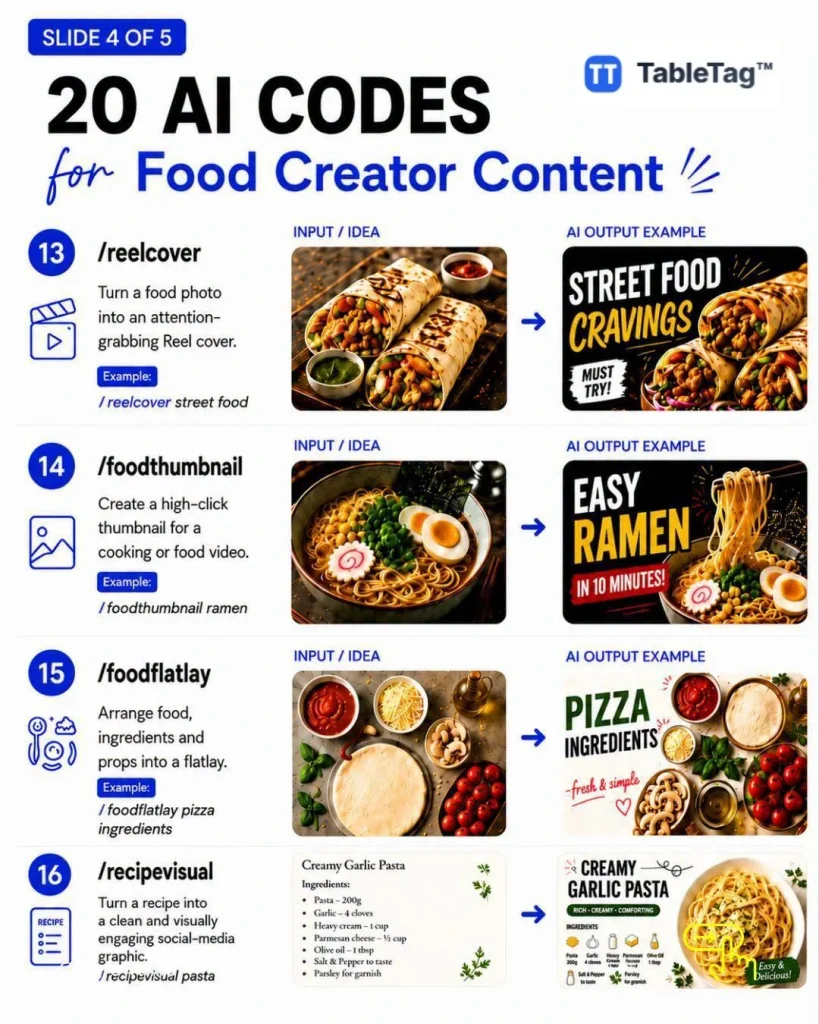
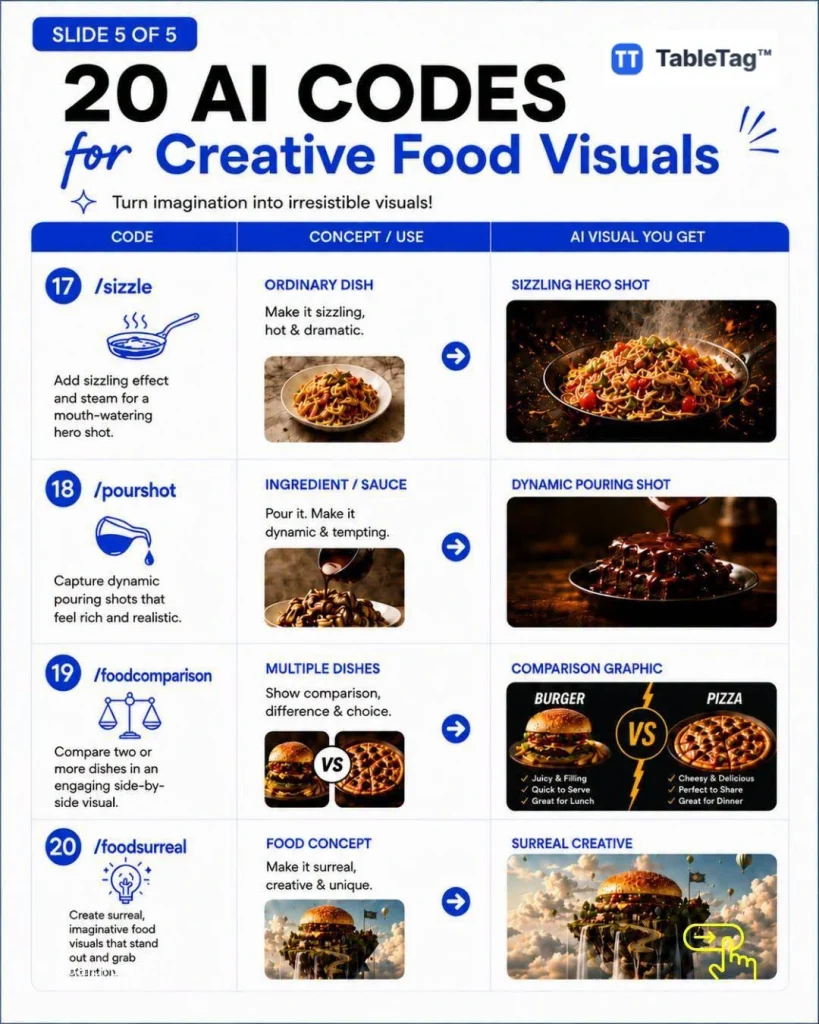
Prompt patterns 13–20: product focus and storytelling
These ideas focus attention on texture, preparation, ingredients, packaging, and the moment of service. They can help communicate whether an item is crisp, creamy, freshly baked, chilled, handmade, or intended for sharing. Use a consistent lens style and background across related products so the final menu feels cohesive rather than looking like a collection of unrelated images.
A reusable prompt structure
Try this structure: “Create a realistic menu photograph of [exact item], showing [visible ingredients and portion], served in [plate or packaging], photographed from [camera angle] with [lighting], against [background], in [square or portrait] format. Preserve realistic food texture, natural proportions, and accurate colors. Do not add text, logos, extra ingredients, or objects.”
Prepare the image for a digital menu
Before uploading, crop every product image to a consistent ratio, compress it for fast mobile loading, write a useful alt description, and compare it with the real item. TableTag lets a business combine optimized photos with item names, descriptions, prices, variants, translations, special offers, and QR access. The image attracts attention, while accurate structured menu information helps the guest decide.
Important: AI visuals should not mislead customers. When accuracy matters, use professional photographs of the actual product. Treat generated images as a planning and creative direction tool, then verify every visual before it appears in a live menu or advertisement.