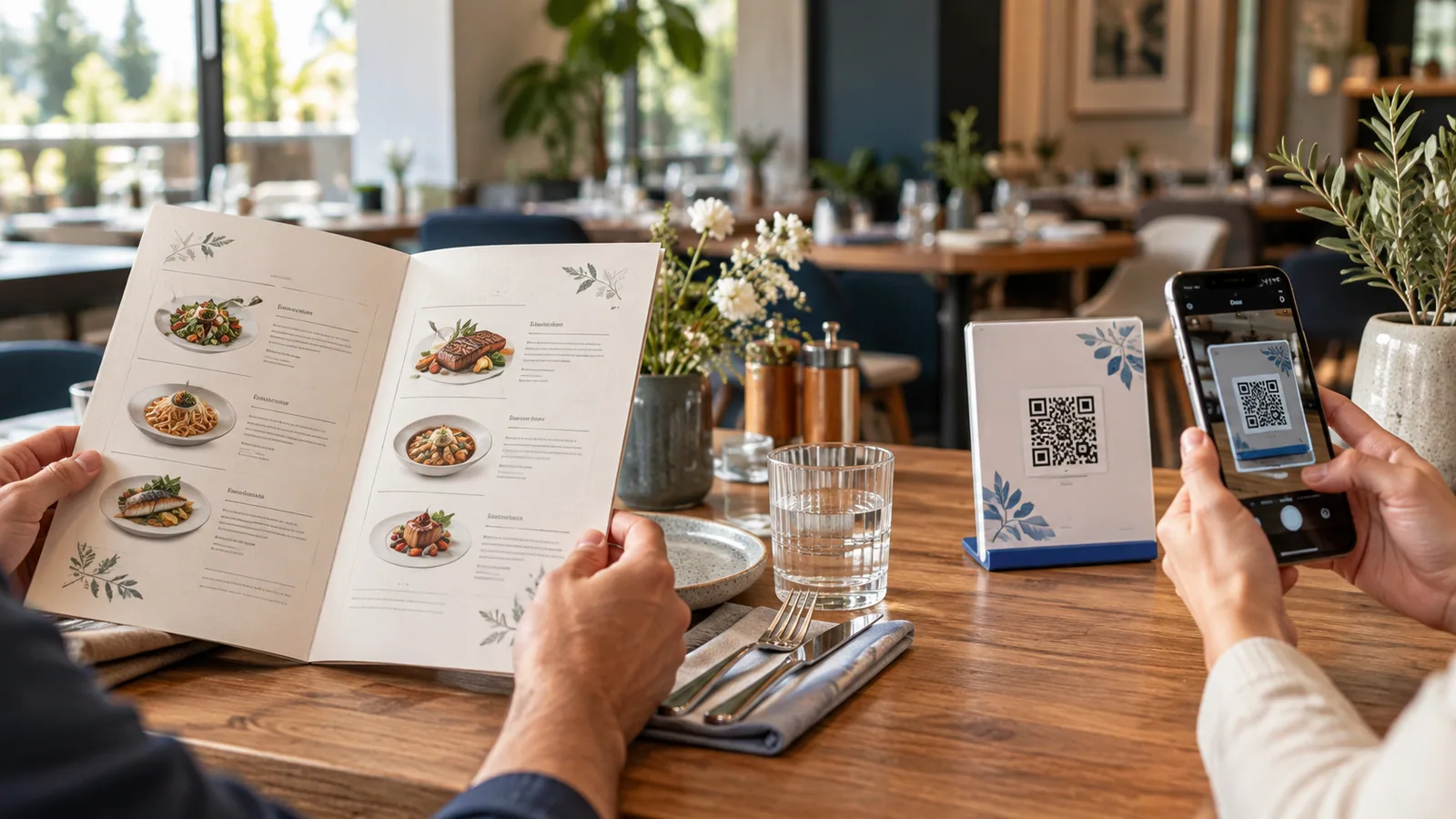
Choosing between a QR menu and a paper menu is not simply a choice between new and old technology. Each format solves a different part of the guest experience. The best decision depends on how often your offer changes, who your guests are, and whether the menu needs to support ordering or multiple languages.
The short answer
A QR menu is usually better for frequent updates, multilingual service, product imagery, availability and optional ordering. Paper is useful when guests do not have a suitable phone, internet access is unreliable, or a physical menu is part of the venue’s experience. Many businesses benefit from using digital as the main menu while keeping a small number of printed copies as a fallback.
Updating products and prices
A paper menu must be edited, proofread, printed and redistributed. Even a small price correction may affect every copy. A managed digital menu can be updated from the owner’s workspace, with the change appearing behind the same QR code.
This is especially useful for bakeries with daily products, seasonal restaurants, hotels, events and businesses affected by changing availability or currencies.
Cost over time
Paper has a familiar one-time production cost, followed by replacement costs when copies wear out or information changes. A QR platform normally has an ongoing subscription, but it reduces repeated design and printing cycles. The relevant comparison is not “printing once versus software forever”; it is the total cost of keeping accurate menus available throughout the year.
Guest convenience
Paper opens instantly and can be shared without a device. A good QR menu, however, lets each guest browse independently, enlarge content using phone accessibility tools, switch language, search categories and revisit product details.
A poor QR experience can be worse than paper. A slow PDF that requires constant zooming, a tiny code, or a menu hidden behind registration creates friction. The digital menu must be designed for mobile use rather than treated as a scanned brochure.
Languages and currencies
Printed multilingual menus become long or require separate editions. A digital menu can let the guest select a language and currency while preserving one product catalogue for the owner. Translation still needs careful review, particularly for ingredients and local dish names, but the presentation becomes much easier to manage.
Ordering and table service
Paper supports a traditional waiter-led flow. A QR menu can remain view-only, or it can let guests add products and submit an order. With a table-specific QR code, the ordering system can associate the request with the correct table without asking the guest to type a number.
Digital ordering should support service rather than replace hospitality. Venues can use it during busy periods while keeping staff available for questions, recommendations and guests who prefer personal assistance.
Accessibility and inclusion
Neither format is automatically accessible. Paper can use large type and strong contrast, but one fixed layout cannot suit every reader. Phones offer zoom, screen readers and personal display preferences, yet only when the digital menu uses semantic, readable content.
The safest approach is to build an accessible digital menu and retain an alternative format or staff-assisted option.
Hygiene and durability
QR codes reduce the number of shared menu objects that need handling and cleaning. They also avoid torn, stained or missing copies. This is a practical operational benefit, though it should not be the only reason to adopt digital menus.
When paper remains the right choice
- Your location has unreliable internet and no dependable local network.
- A large portion of guests cannot or do not want to use smartphones.
- The physical menu is a deliberate part of a premium presentation.
- Your offer is small, rarely changes, and needs no digital ordering.
Why a hybrid menu often works best
A hybrid setup avoids forcing one behavior on every guest. Place QR codes prominently, train staff to explain the benefits, and keep a few clean printed menus available on request. The digital menu becomes the always-current source, while paper remains an inclusive fallback.
How TableTag fits
TableTag lets a business begin with a view-only QR menu and enable ordering features that match its operation. Owners can update content, control availability, manage languages and currencies, customize the design, and generate printable QR codes without rebuilding the menu.
Read how to create a QR menu step by step or view a live TableTag menu.