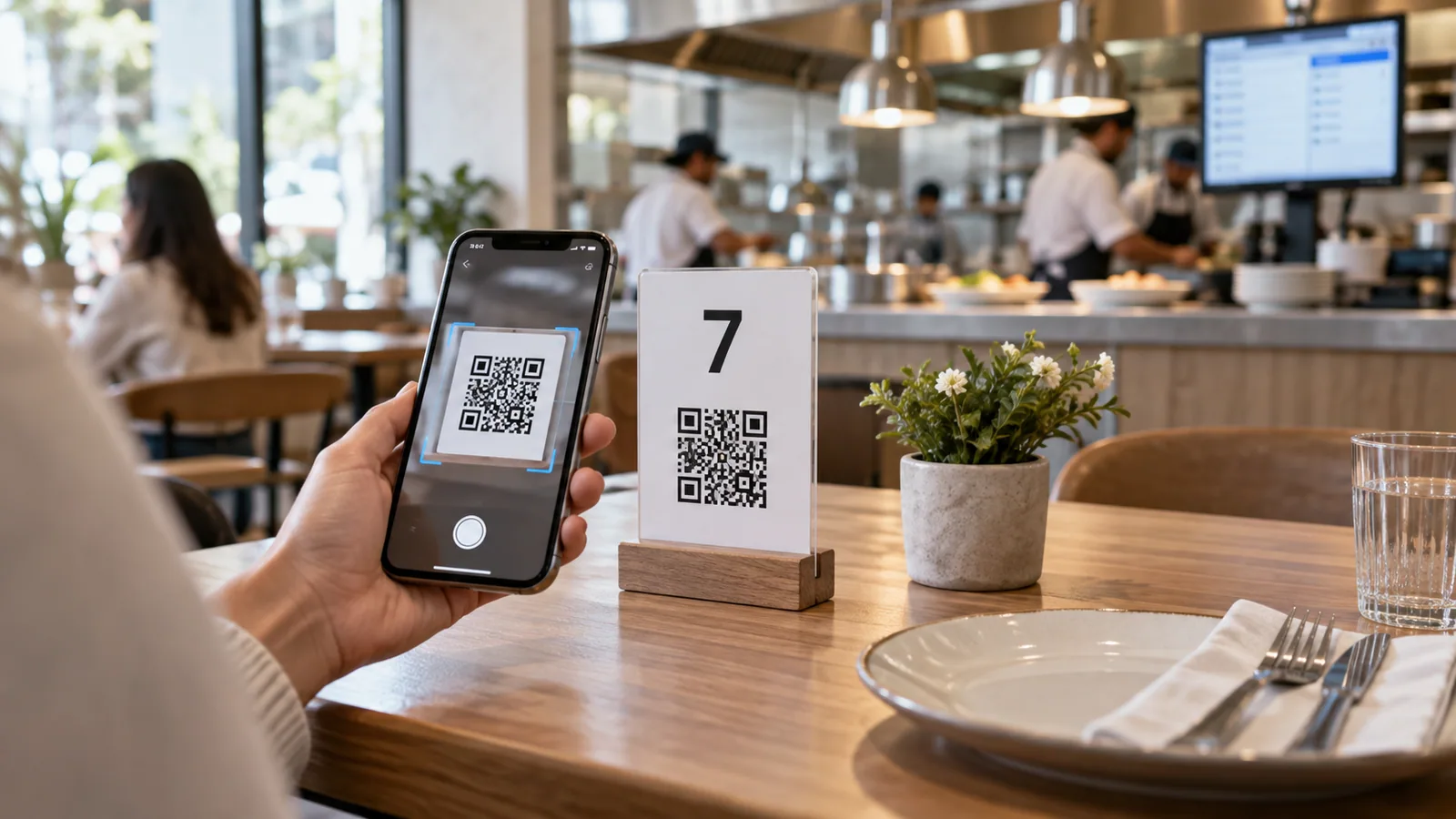
QR code ordering lets guests browse a menu and submit an order from their phone. Table-aware ordering adds one important piece: the system already knows where the order came from.
Instead of asking a guest to type a table number, each table receives its own secure QR code. When the code is scanned, the menu opens with that table context attached to the session.
Why table identification matters
An order without a reliable location creates extra work. Staff must ask where the guest is sitting, correct mistakes, or search the room when an item is ready. A table-aware QR flow associates the order with its service location from the beginning.
This is useful in restaurants, cafés, hotel pools, beach venues, food courts and other spaces where guests order from a fixed seat or zone.
The basic flow
- The owner creates tables or service locations in the workspace.
- The platform generates a unique QR code for each one.
- The business prints and places the correct code at each table.
- A guest scans, browses and adds items.
- The submitted order reaches the business with its table attached.
- Staff update the order from pending to ready and served or dispatched.
Why the table value should not be plain text
A URL such as ?table=7 is easy to understand, but it is also easy to change. A guest could replace 7 with 12 and send an order to another table. A secure system uses a signed or encrypted token that the server validates before accepting the table context.
The number shown to staff can still be “Table 7,” but the public link should contain a hard-to-guess value. Security should be enforced on the server, not merely hidden by the interface.
Ordering does not have to be mandatory
Some venues want QR codes only for viewing. Others allow dine-in ordering during certain hours, delivery ordering, or WhatsApp orders. The digital menu should make the enabled mode clear and avoid showing unavailable actions or unnecessary messages.
If no table token is present, dine-in ordering can be hidden by default. A venue may still choose to show the dine-in option when its service process can safely collect a table another way.
What happens after the guest orders?
The order should be recorded before the app opens an external channel such as WhatsApp. That preserves reporting and gives the venue a reliable order reference even if the guest leaves the messaging app without sending.
Direct orders can appear on a live board or tabular order view. Staff can search, filter, export and update status. A clear item-by-item layout prevents quantities and options from becoming difficult to read during busy service.
Working hours and closed venues
Table-aware ordering should respect the venue’s timezone and working hours. Guests may still be allowed to browse when the business is closed, but attempting to order should produce a clear message explaining when service is available.
Operational checklist
- Match every printed code to the correct table before opening.
- Use durable print material with strong contrast.
- Submit a test order from every service area.
- Decide whether orders go to a kitchen, waiter or central dispatch.
- Train staff on status changes and unavailable items.
- Keep a manual fallback for connectivity problems.
Table-aware ordering with TableTag
TableTag can generate printable, customizable QR codes for individual tables. The table reference is protected rather than exposed as a simple editable number. When dine-in ordering is enabled, the order arrives with its verified table context and can be managed from the tenant workspace.
Owners can also choose view-only, delivery, direct ordering or WhatsApp flows according to their plan and venue settings. Visit the TableTag features overview or learn how to build your first QR menu.