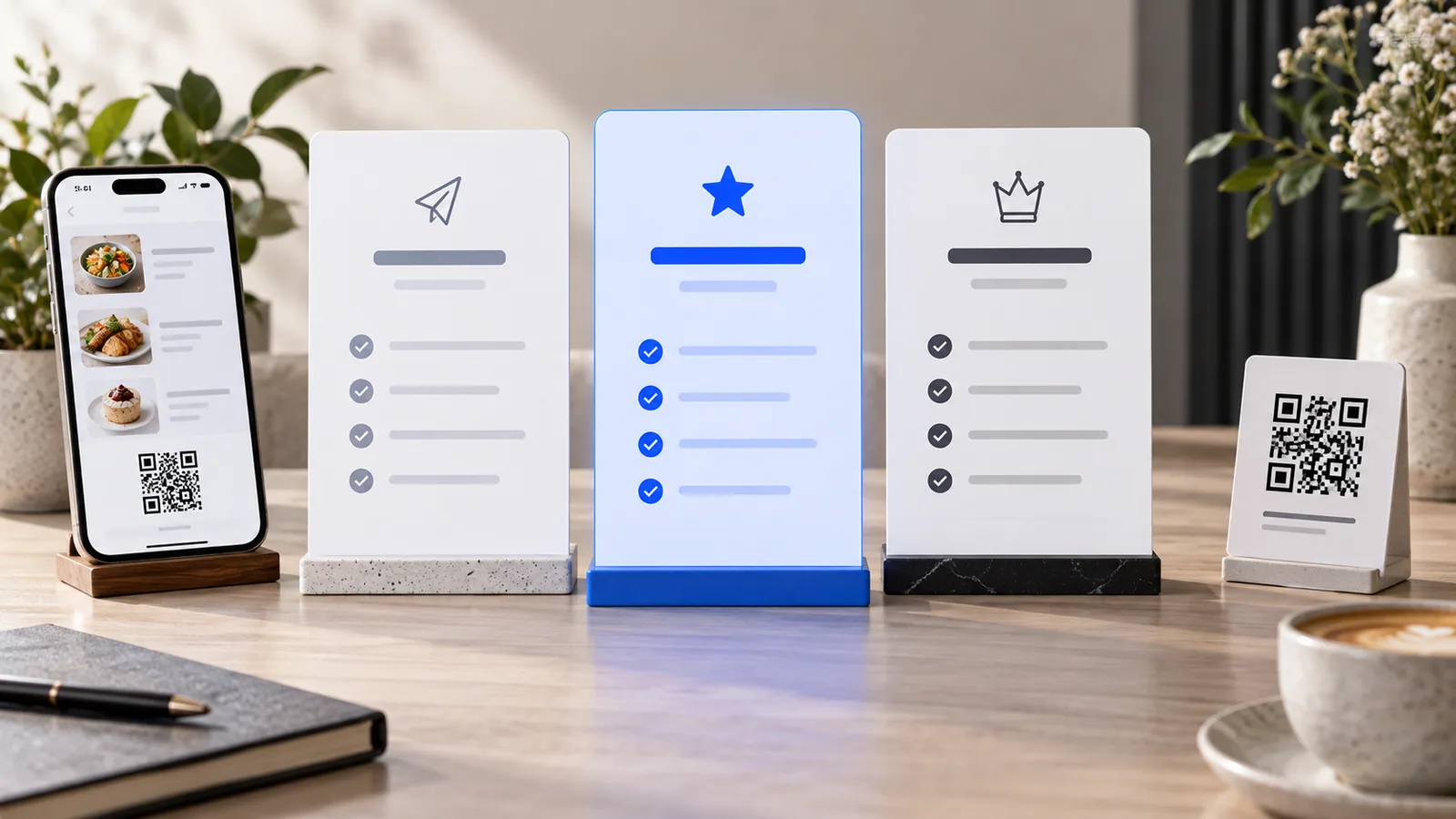
TableTag plans are designed around three stages: publishing a straightforward digital menu, operating a larger unlimited menu, and running a more advanced ordering or store experience. This guide compares the current public plans and explains who benefits from each one.
Plan information below reflects the public TableTag plans on September 9, 2026. Prices and plan features can be updated by the SaaS administrator, so always confirm the live pricing page before subscribing.
Plan comparison at a glance
| Plan | Monthly | Yearly | Best for |
|---|---|---|---|
| Free | $0 | $0 | Small view-first menus with up to 20 items |
| Starter | $10 | $99 | Growing businesses that need unlimited menu size |
| Pro | $19.99 | $199 | Ordering, marketing, analytics, customer and Store Mode workflows |
Paying yearly saves $21 on Starter compared with twelve monthly payments, and $40.88 on Pro. That is approximately 17% in each case.
Free plan: publish a professional menu at no recurring cost
The Free plan currently includes a digital QR menu, up to 20 items, up to five categories and spreadsheet menu import.
Its specific advantage: a small café, bakery, service business or compact catalogue can stay online without a recurring subscription. It is also a practical way to organize a first menu before deciding whether advanced operational features are necessary.
Choose Free when:
- your catalogue fits within 20 items and five categories;
- your main goal is displaying an up-to-date QR menu;
- you do not need the full Pro ordering, customer or reporting toolset; and
- you want a permanent free plan rather than a temporary paid-plan trial.
Starter plan: remove menu-size limits
Starter costs $10 monthly or $99 yearly. Its public plan currently includes a digital QR menu, unlimited items, unlimited categories and spreadsheet import.
Its specific advantage: the owner can build a complete catalogue without deciding which products to remove simply to fit the Free limits. This is useful for full-service restaurants, large bakeries, hotels, multi-service venues and general shops that primarily need a flexible digital menu.
Choose Starter when:
- you have more than 20 products or five categories;
- your catalogue changes frequently;
- spreadsheet import will save significant setup time; and
- you need scale more than advanced commerce features.
Pro plan: turn the menu into an operating platform
Pro costs $19.99 monthly or $199 yearly. It adds direct and WhatsApp ordering, customer database features, secure table QR codes, product variants, reviews, advanced statistics, special offers, upselling, cross-selling, order-history reorder recommendations and Store Mode availability.
Its specific advantage: Pro connects browsing with measurable business activity. Instead of only displaying products, the tenant can accept and manage orders, understand guest behavior, build returning-customer experiences and operate a store-oriented catalogue.
Dine-in and delivery ordering
Guests can submit orders through the method configured by the owner. Secure table QR codes attach verified table context, while delivery flows can collect the customer information appropriate to the venue.
Advantage: fewer manual handoffs between browsing, ordering and dispatch.
Customer database and one-tap reorder
Signed-in customers can retain profile details, order history, invoices, preferences and wish lists. Recent orders can be recalled when reorder recommendations are enabled.
Advantage: returning customers complete repeat purchases faster, and the tenant gains an organized service history.
Variants, offers and recommendations
Variants support sizes, colors and other product versions. Special offers promote current campaigns, while upselling and cross-selling surface relevant alternatives or complementary items.
Advantage: customers understand product choices and discover more of the catalogue without aggressive popups.
Reviews and advanced statistics
Moderated reviews provide social proof. Statistics reveal menu activity, popular products, orders, visitor geography and customer performance.
Advantage: owners can improve their menu using evidence from real engagement.
Store Mode
Store Mode adapts the tenant experience for retail with inventory presentation, product galleries, wish lists, stock alerts, tracking and electronic invoices.
Advantage: a retailer receives a mini ecommerce workflow without restaurant-only controls.
How the free trial works
The free-trial promotion is currently enabled. When applicable, a new tenant selecting a paid plan can start with the promotional trial while TableTag remembers the intended paid plan. Before the trial ends, the tenant is reminded to pay or cancel. Without payment, the subscription can move to hold according to the billing rules.
The Free plan is different: it costs $0 and has no recurring payment. It is not an expired trial.
What happens when you upgrade?
An upgrade makes the newly available features usable according to the subscription workflow. Owners should review and enable the capabilities they actually need in Workspace Settings rather than assuming every feature should appear publicly.
What happens when you downgrade?
A responsible downgrade does not silently delete menu data. If the destination plan has lower limits or excludes active features, the owner should be shown the conflicts and given time to resolve them. Excess products can remain stored but may need to be unpublished or reduced before the lower plan becomes fully operational. Paid access normally continues until the end of the already-paid period.
Which TableTag plan should you choose?
- Choose Free for a small permanent QR menu within the published limits.
- Choose Starter when catalogue size is the main limitation.
- Choose Pro when orders, customers, analytics, promotions, recommendations or Store Mode create real operational value.
The best plan is not the one with the longest feature list. It is the least expensive plan that supports the workflow your team will genuinely use.
Read the complete TableTag feature guide, view live pricing, or create your menu.