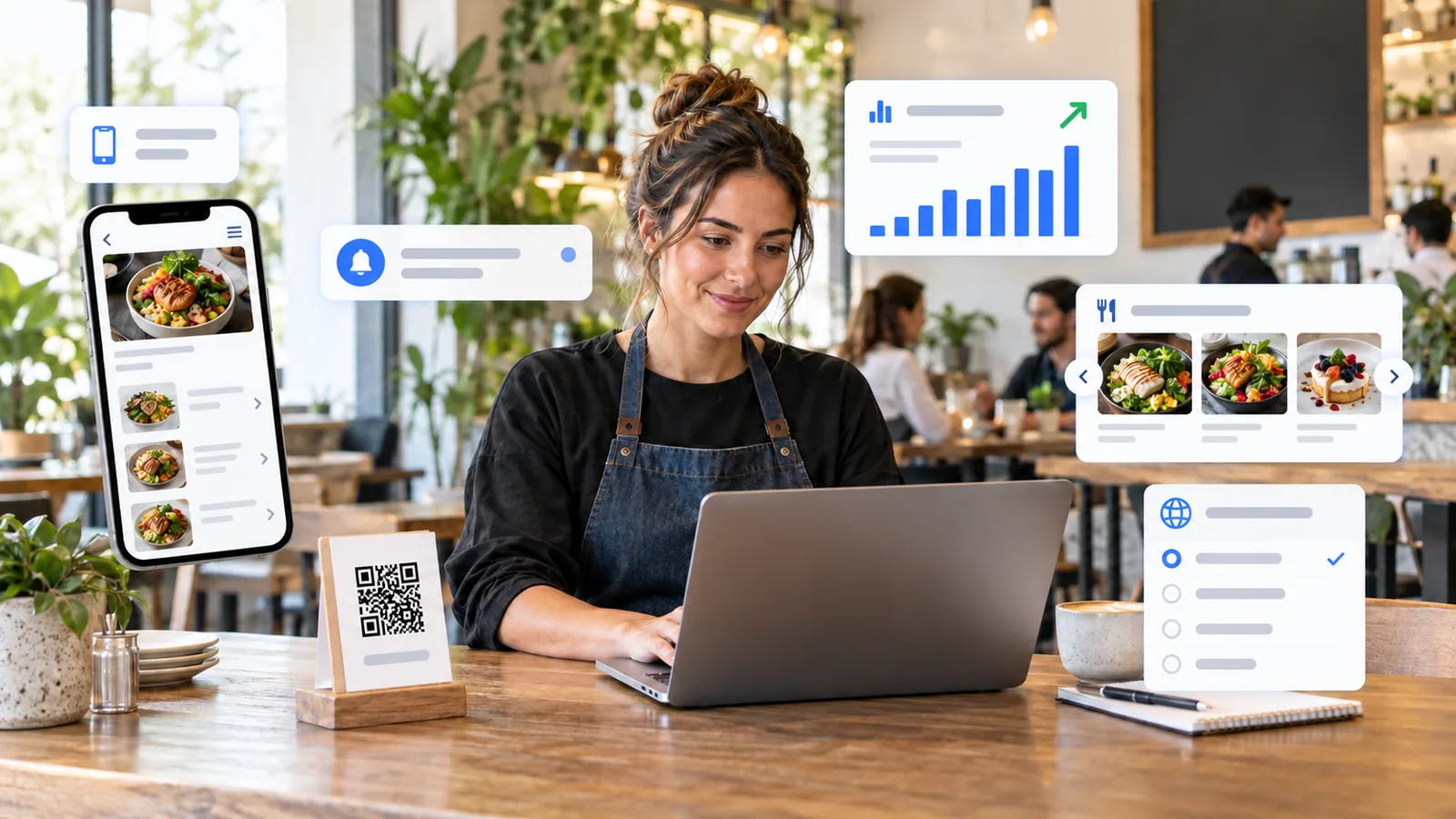
TableTag started with a simple idea: replace an inflexible paper menu with a digital experience that is easier for guests to use and easier for owners to manage. It has since grown into a platform for hospitality businesses and stores, covering menu building, ordering, customer service, marketing, reporting and subscription management.
This guide explains the main TableTag features and, more importantly, the practical advantage each one provides. Feature availability depends on the tenant and plan, so owners only pay for the capabilities their operation needs.
Menu builder, categories and subcategories
Owners can create categories, subcategories and products, then arrange them manually with drag and drop. Items can also be moved into subcategories.
The advantage: the public menu follows the order the business chooses instead of sorting products alphabetically. Large menus become easier to navigate, while subcategories let guests move from a broad choice such as Breakfast to a more useful group such as Light Breakfast.
Spreadsheet import and menu migration
TableTag can import product data from a spreadsheet, including categories, descriptions, prices and optional image URLs. Owners can map columns, ignore unwanted data, upload linked images to configured Cloudflare R2 storage and follow import progress.
The advantage: businesses with hundreds or thousands of products avoid repetitive entry while keeping control over what is imported. Pagination and bulk tools make the resulting catalogue manageable.
Images, galleries and display controls
Menus support logos, cover photos, product images, category backgrounds and special-offer images. Owners can choose fit, fill, stretch, tile or centered positioning, remove uploaded images, hide empty placeholders, and display image-first product layouts. Store Mode can use multiple images per product.
The advantage: each business can preserve its visual identity without distorting photos or forcing empty image boxes. Optimized responsive images and loaders improve perceived speed.
Product variants and add-ons
Variants represent the version being purchased—such as size, pack or color—and replace the base price. Add-ons represent optional extras and increase the chosen variant price. Products with several variants can show a lowest-to-highest price range.
The advantage: guests understand the real range before opening the product, while the final price is calculated correctly. Even on a view-only menu, variants and add-ons can be shown read-only so customers still understand the choices.
Product details and merchandising
Owners can add descriptions, ribbons, allergy tags, calorie counts, availability, featured status and special labels. Price size can be increased or hidden per item or in bulk. Optional product effects include image zoom, gallery cycling and gentle fade-in animation.
The advantage: important information is visible without making every product card identical. Restaurants can communicate dietary details, while stores can focus on stock, imagery and merchandising instead.
Multilingual menus and multiple currencies
Venue information, addresses, categories, subcategories, products and interface controls can be presented in the languages selected by the owner. Guests can switch language and currency independently, and their preferences can be remembered.
The advantage: international guests browse with greater confidence, while one business can serve several audiences without printing separate menus. Right-to-left languages use an appropriate layout and Arabic uses the Cairo typeface.
View-only, dine-in, delivery and WhatsApp ordering
A tenant can keep the menu view-only or accept dine-in, delivery, direct TableTag and WhatsApp orders. WhatsApp orders may be recorded before the messaging app opens, depending on workspace settings.
The advantage: TableTag adapts to the business workflow. A venue can begin with a simple menu, add ordering later, or use WhatsApp without losing order reporting.
Secure table-aware QR codes
Owners can generate and print a unique QR code for each table, customize its color, logo and frame, and use a protected table token rather than an editable number in the URL.
The advantage: staff receive the verified table with the order, while guests cannot simply change table=7 to impersonate another table.
Working hours and timezone controls
Each venue can configure working hours using its operational timezone. Guests may browse while closed, but ordering can be stopped with a clear closed-business message.
The advantage: orders do not arrive when no team is available, and international visitors see correct availability regardless of their own device timezone.
Orders and dispatch
Orders can be handled through a live board or a searchable, filterable, exportable and paginated table. Statuses cover pending, ready, dispatched or delivered, with item details shown clearly line by line.
The advantage: small teams get a visual service board, while higher-volume tenants can manage and audit many orders efficiently.
Customer accounts, guest checkout and order history
Plans can support a tenant customer database, detail-only guest checkout, or simple follow-up outside TableTag. Signed-in customers can manage their profile, orders, invoices, language, currency and wish list. Order-history recall enables quick reordering.
The advantage: owners choose the appropriate level of customer data, while returning customers spend less time repeating details or rebuilding a familiar order.
Reviews and reputation links
Guests can submit product or venue reviews. Owners decide what is published, and public reviews open from a dedicated menu control with a compact carousel. Product pages can show the calculated average rating and review count. Links to Google Reviews and TripAdvisor can also be added.
The advantage: social proof appears close to the buying decision without overwhelming product lists, while moderation protects the public experience.
Special offers, promotions and coupons
Photo offers can appear in a touch-enabled autoplay slider. Offers may open a full image or follow a campaign link. Store Mode can add announcement marquees, promo codes and discount handling.
The advantage: promotions can change immediately without reprinting table material. Links and codes make campaign performance easier to connect with orders.
Upselling, cross-selling and reorder recommendations
Upselling encourages a better or larger version of the current choice. Cross-selling recommends complementary products. Reorder suggestions use a customer’s recent order when account history is available.
The advantage: recommendations become relevant to the current basket or past behavior instead of appearing as unrelated advertising, improving product discovery and potential order value.
Advanced statistics
Eligible plans can track unique visitors, countries, visitor IP information, menu views, most-clicked items, direct and WhatsApp orders, sales activity and customer performance. Cancelled orders are separated from meaningful sales reporting.
The advantage: owners can make menu and promotional decisions from actual guest behavior rather than guesswork.
Store Mode
Store Mode changes the experience from a hospitality menu into a compact ecommerce storefront. It adds inventory-oriented presentation, featured and newest products, category browsing, multiple product images, visual variants, customer sessions, wish lists, stock availability, availability alerts, guest checkout, tracking codes and professional invoices.
The advantage: retailers receive a store-focused workflow without exposing restaurant-only concepts such as tables, waiters, calories or dine-in service.
Social links, maps and saved menus
Tenants can show their website, Facebook, Instagram, TikTok, YouTube and X links, plus directions and Google Maps information. Guests may bookmark or install the menu using the tenant’s own logo.
The advantage: the menu becomes a durable digital touchpoint that helps guests return, find the venue and follow its public channels.
Which features should you enable?
Begin with the smallest set that improves your real workflow. A small café may need a multilingual menu, QR printing and view-only mode. A busy restaurant may add secure tables, live ordering and statistics. A retailer may choose Store Mode, inventory, customer accounts, promotions and product recommendations.
Compare the current TableTag plans, explore the feature overview, or see how to create your first QR menu.