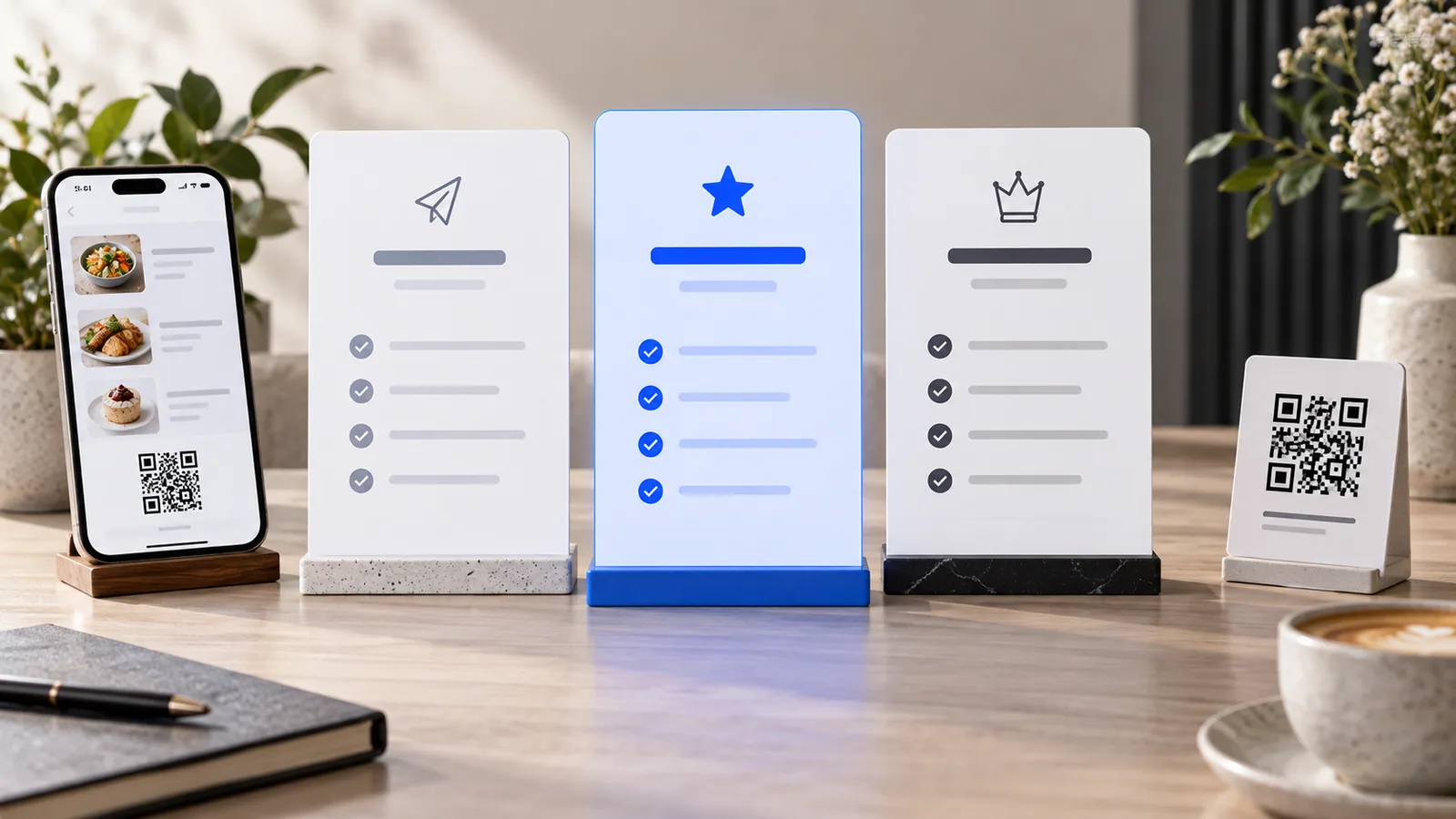
Shopify and TableTag can both put a business online, but they solve different-sized problems. Shopify is a broad commerce platform built for businesses that may need a large app ecosystem, multiple sales channels and advanced retail operations. TableTag Store Mode is a focused alternative for businesses that want a fast, mobile-first catalogue, ordering and customer experience without turning setup into a technical project.
This comparison is published by TableTag and reflects public pricing and product information checked on October 15, 2026. Shopify and TableTag can change prices or features; verify the linked official pricing pages before buying.
Shopify vs TableTag at a glance
| Area | TableTag Store Mode | Shopify |
|---|---|---|
| Best fit | Small and medium businesses wanting a simpler online store, QR discovery, direct or WhatsApp ordering and multilingual selling | Businesses needing a broad ecommerce ecosystem, extensive apps, POS, multichannel commerce or complex operations |
| Public plan entry price | Free $0; Starter $10/month; Pro $19.99/month | Basic starts at $29/month when paid yearly; Grow $79; Advanced $299 |
| Setup approach | Focused product builder and workspace settings with fewer commerce layers | Full commerce admin with more configuration and extension choices |
| Hospitality | Built-in QR menus, table-aware ordering, delivery and service workflows | Usually requires configuring Shopify around the hospitality workflow |
| Advanced ecosystem | Focused built-in feature set | Large app, theme, partner and integration ecosystem |
Price: a focused subscription versus a broader platform
TableTag’s current public pricing is:
- Free: $0 per month or year.
- Starter: $10 per month or $99 per year.
- Pro: $19.99 per month or $199 per year.
Store Mode is currently available on the public Starter and Pro plans. The exact feature set still depends on the selected plan, so review the live TableTag pricing section.
On Shopify’s official US pricing page, annual billing currently shows Basic at $29 per month, Grow at $79 per month and Advanced at $299 per month. Shopify Plus starts at $2,300 per month on a three-year term. Shopify also documents card-processing rates and additional third-party transaction fees that vary by plan, payment provider and country.
What this means: TableTag can have a lower subscription entry point when the business needs a focused catalogue and ordering experience. Shopify’s higher cost supports a much wider commerce platform. Price alone should not decide the choice: compare the features you will actually operate and any payment, app, theme or transaction costs.
Ease of use: fewer decisions or more control?
TableTag separates QR/Digital Menu mode from Store Mode. A restaurant sees menu and service tools; a retailer gets a product-oriented workspace with inventory, galleries, variants, featured products, categories, customer accounts, wish lists, checkout, tracking and invoices. This keeps restaurant-only controls away from store owners.
Shopify offers more depth: a mature theme system, app marketplace, sales channels, shipping features, POS options and extensive integrations. That flexibility is valuable, but it can also introduce more decisions during setup and more third-party apps to evaluate.
Choose the simpler path when: one owner or a small team needs to publish quickly, maintain products, receive orders and communicate with customers without assembling a large technology stack.
Choose the broader platform when: the business needs advanced fulfillment, a large integration ecosystem, complex international operations, B2B workflows or deeply customized enterprise commerce.
Store speed and customer experience
Both services provide hosted storefronts. Shopify includes managed hosting, unlimited bandwidth and SSL according to its pricing documentation. TableTag Store Mode is intentionally focused on a compact mobile shopping flow and uses responsive images, lazy loading and a lightweight catalogue interface.
No platform can promise the same speed for every store. Large unoptimized images, numerous tracking scripts, heavy themes and third-party apps can slow any site. The fair comparison is the finished store on the devices and networks your customers actually use.
- Use properly sized WebP or AVIF product images.
- Limit autoplay media and unnecessary scripts.
- Test product pages, search, filters, cart and checkout on a normal mobile connection.
- Measure the real theme and installed apps, not only the platform’s demo store.
Where TableTag is different
One platform for QR menus and online stores
A hospitality business can run a digital menu with table-specific QR codes, dine-in orders, delivery, WhatsApp ordering and dispatch. A retail business can use Store Mode with stock, product variants, galleries, cart, checkout, customer profiles, wish lists and public order tracking. This is useful for hybrid businesses such as bakeries, patisseries, hotel shops and venues that sell both services and products.
Multilingual and multi-currency storefronts
TableTag is designed around language and currency choice from the start. Businesses can provide translated venue, category and product content, while visitors can use the appropriate language and display currency.
Direct and WhatsApp ordering
Depending on plan and workspace settings, TableTag can record direct orders or prepare a structured WhatsApp order for the business. This can suit markets where customer conversations and order confirmation often happen in WhatsApp.
QR discovery built in
TableTag can generate branded QR codes for a menu or store. That links physical discovery—tables, counters, packaging, hotel rooms or printed material—to the same online catalogue.
Where Shopify is stronger
Shopify is the stronger fit when a business needs the scale and breadth of a long-established commerce ecosystem. Its strengths include a large app marketplace, many themes and specialists, multichannel sales, mature POS options, advanced shipping and fulfillment integrations, and enterprise capabilities through Shopify Plus.
TableTag does not need to reproduce every Shopify feature to be useful. Its advantage is focus: it aims to make the common catalogue, ordering, QR, customer and store workflows easier to launch and manage.
Which should you choose?
- Choose TableTag if you want a lower-cost, mobile-first store; value QR discovery, WhatsApp or direct ordering; need hospitality and retail modes; or prefer a smaller set of integrated tools.
- Choose Shopify if you need a large app ecosystem, advanced retail/POS, complex fulfillment, broad multichannel commerce or enterprise customization.
- Test both if your requirements sit between them. Build the same representative catalogue, test the mobile flow and calculate the full first-year cost—including apps and payment fees.
Frequently asked questions
Is TableTag a complete replacement for Shopify?
Not for every business. TableTag is designed as a simpler store and QR-commerce platform, while Shopify covers a much larger range of ecommerce use cases. TableTag can replace Shopify when its focused Store Mode covers the workflows the business actually needs.
Can I use my own domain with TableTag?
TableTag supports custom domains when the feature is enabled for the tenant or plan, so a store can use its own brand address.
Can I move products from Shopify to TableTag?
TableTag includes a Shopify import workflow for Store Mode. Imported data should always be reviewed, especially categories, variants, images, stock and product descriptions.
Which platform is faster?
There is no honest universal winner without testing the actual store. TableTag’s focused storefront can stay lightweight; Shopify provides optimized managed hosting but themes and apps affect the final result. Compare real pages on mobile using the same image quality and tracking setup.
Sources and next steps
- Official Shopify pricing and plan comparison
- Shopify Help Center: third-party transaction fees
- Live TableTag pricing
- TableTag features and business benefits
Ready to compare with your own catalogue? Create a TableTag workspace or contact [email protected].