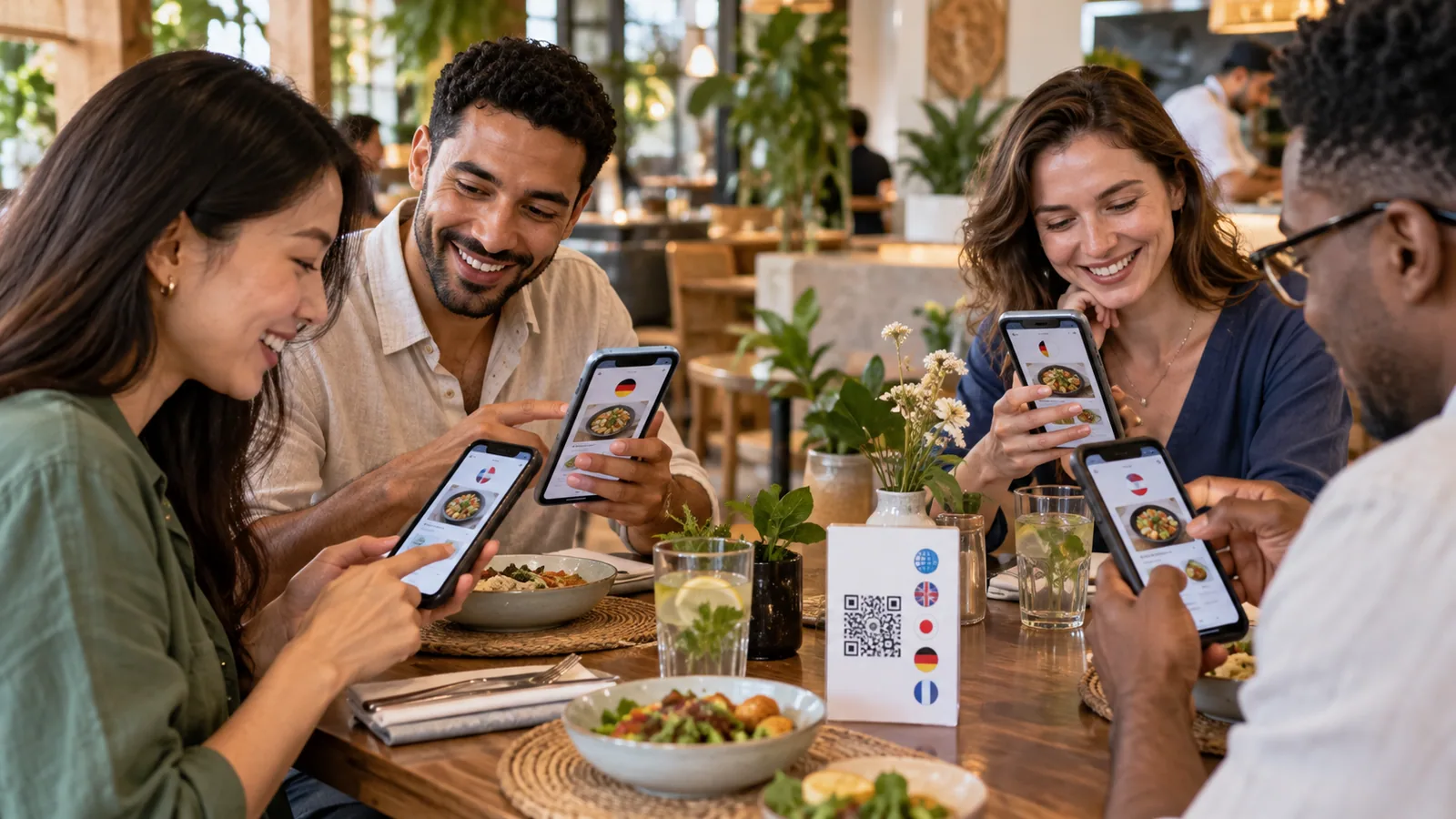
A guest should not need to guess what they are ordering. Yet unfamiliar dish names, ingredients and service instructions can turn a simple choice into an uncomfortable experience. A multilingual digital menu gives international and multilingual audiences direct access to the information they need, on their own phone and at their own pace.
Why menu language matters
Menus contain more than product names. They explain ingredients, preparation, portion choices, allergens, optional extras and prices. When those details are unclear, guests may avoid unfamiliar items, ask staff to translate repeatedly, or choose the safest option rather than the one they would enjoy most.
Clear translations improve confidence. They also help staff focus on hospitality instead of translating the same descriptions table after table.
One menu, several guest experiences
A printed venue may maintain separate English, Arabic and French menus. Copies can become inconsistent when a price or product changes. A multilingual digital menu keeps languages connected to the same underlying catalogue. The owner updates an item once, then reviews its translated fields.
Guests select a language without receiving a different physical document. The interface direction should also adapt correctly—for example, Arabic should use a comfortable right-to-left layout while the brand logo remains unchanged.
What should be translated?
A complete experience translates more than navigation buttons. It should cover:
- venue name or localized venue presentation;
- address, city, country and “about” information;
- category and subcategory names and descriptions;
- product names and descriptions;
- variants, add-ons, availability and allergy information;
- ordering, checkout, payment and confirmation messages; and
- working-hours and closed-business notices.
Translation is not just word replacement
Some food and product names should remain recognizable in their original form. “Tiramisu” rarely needs a new name, but its description may need translation. Regional dishes may benefit from a short explanation rather than a literal translation.
Review measurements, spice levels, dietary terms and culturally specific ingredients carefully. Automatic translation can create a useful draft, but an owner or fluent reviewer should approve customer-facing text.
Pair language with currency thoughtfully
Language and currency are related preferences, but they should not be treated as the same choice. An Arabic-speaking guest may still want prices in USD, while an English-speaking visitor may prefer the local currency. Let guests choose both, remember their selection, and keep the venue’s main currency clear.
Converted prices should be presented as reference values when exchange rates are used. The final charge should make the transaction currency unambiguous.
Automatic language selection
A menu can use the browser language or broad visitor location as an initial suggestion. It should never trap the guest in that choice. Keep the language switch easy to find and remember the selected language on future visits.
Benefits beyond tourism
Multilingual menus are valuable in cities with diverse local communities, international hotels, airports, beaches, events and neighborhoods where several languages are used every day. They also help businesses present the same brand consistently across branches in different countries.
A TableTag example
A TableTag owner selects the languages supported by the venue, then enters localized category, item and venue information. The guest menu opens using the configured default or visitor preference and provides a language switch. Currency can be selected independently.
Imagine a hotel guest opening a room-service QR code in Arabic while another guest in the same room uses French. Both browse the same current products and availability, but each sees an interface designed for their language.
Checklist for a reliable multilingual menu
- Choose the languages your guests actually use.
- Translate content as well as controls.
- Review ingredient and allergy terminology with extra care.
- Test right-to-left pages on a real phone.
- Keep language and currency switching visible.
- Update every language when the source menu changes.
Explore TableTag’s multilingual menu features or read the complete introduction to QR and digital menus.